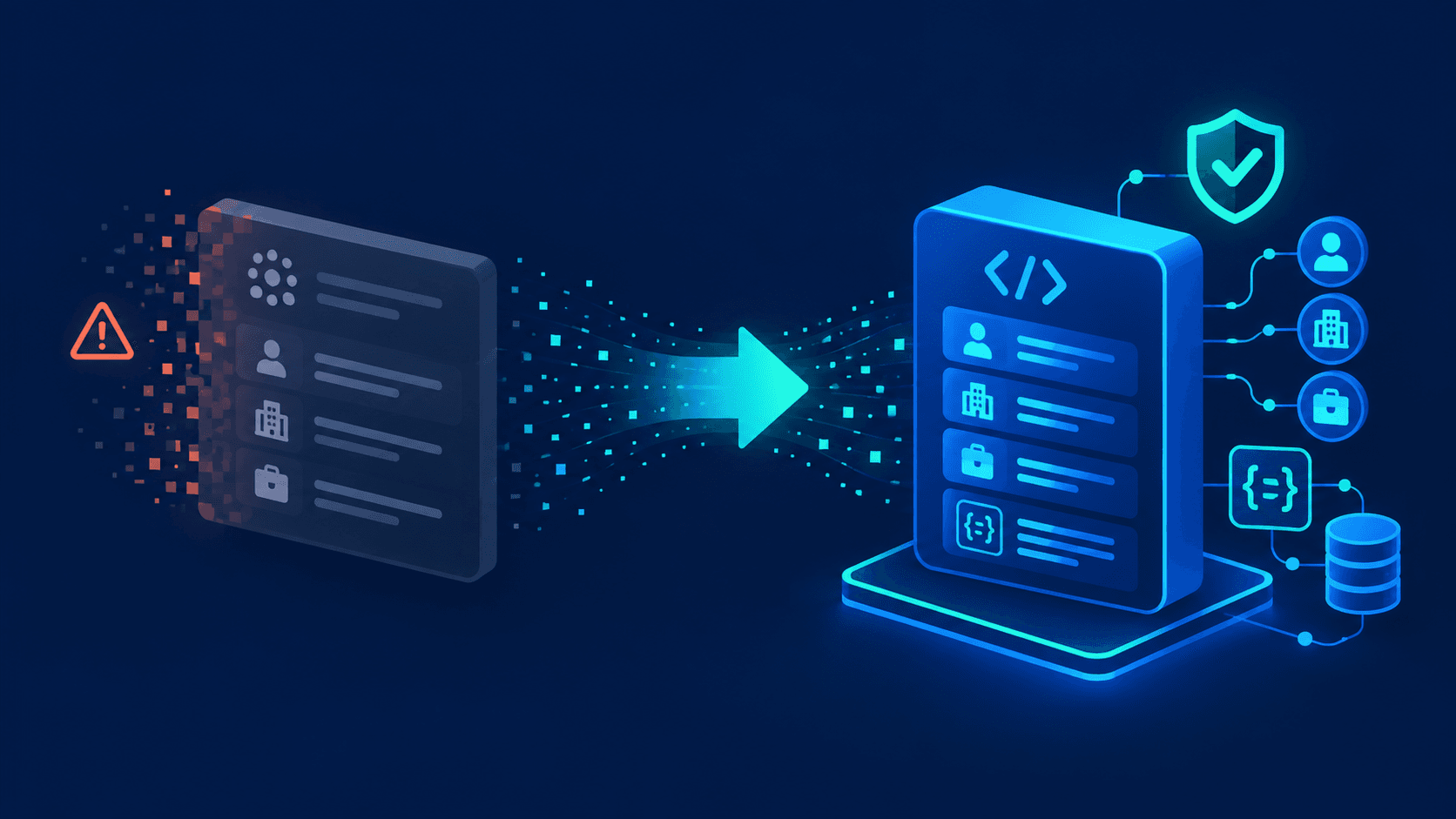
Proxycurl has shut down, and any stack that depended on its LinkedIn data APIs and structured profile data now faces immediate risk and broken workflows. This guide shows exactly how to migrate from the Proxycurl API to EnvoAPI with concrete endpoint mapping, code examples, and a 5‑step rollout process tailored for developers and data teams that rely on LinkedIn‑like public professional data at scale.
Why teams are migrating from Proxycurl
Proxycurl ceased operations in July 2025 after LinkedIn brought legal action concerning alleged unauthorized data scraping, fraud, and trademark misuse. LinkedIn subsequently announced that the dispute had been resolved. For teams with production dependencies on Proxycurl, the immediate task is to identify every remaining API call, prevent failed enrichment jobs, and move critical workflows to a supported provider.
EnvoAPI offers a versioned API for professional profiles, companies, search, jobs, and posts. Its documentation describes a common API host, Authorization: Bearer API key authentication, and a shared response envelope across endpoint families—features that can simplify an adapter-based migration.
This is not necessarily a one-for-one endpoint swap. Validate the fields, allowed use cases, rate limits, pricing, data coverage, response semantics, and privacy obligations that apply to your organization before directing production traffic to a new provider.
Key Differences Between Proxycurl and EnvoAPI
Architecture and data model changes you should know
Proxycurl organized most of its data around LinkedIn URLs and IDs, with separate LinkedIn scraping endpoints for people, companies, jobs, and various enrichment add‑ons such as contact details and work history extracted from LinkedIn profiles. It presented itself as a fully‑managed B2B data enrichment API, handling proxy rotation, anti‑scraping measures, and concurrency so developers could focus on using structured data instead of building scraping tools. It used a credit‑based model with rate limits and monthly minimums, and supported bulk enrichment from CSV files of profile URLs and concurrent requests that could enrich hundreds of thousands of profiles per day.
EnvoAPI, by contrast, uses a consistent resource‑oriented model for profiles, companies, jobs, and content, with normalized field naming, clear backward compatibility guarantees, and versioned endpoints that prioritize future‑proof design over tight coupling to LinkedIn accounts. EnvoAPI’s developer documentation describes a single versioned API host, shared response envelope, and documented endpoint families across profiles, companies, search, jobs, and posts. EnvoAPI retrieves fresh, structured public professional social network data without running an “industrial‑scale” network of fake LinkedIn accounts. In practice, this means your migration focuses on swapping endpoint paths and field names while moving from a LinkedIn‑scraping data source to a broader public data source. In practice, this also gives you a clearer contract for long‑term maintenance, legal compliance, and new features like richer company profiles without re‑architecting your stack every 12–18 months.
Main endpoint groups you’ll be mapping
| Data group | Proxycurl examples | EnvoAPI examples |
|---|---|---|
| Profiles / People | People API, Person Profile API, contact, experiences | Profile, enrichment (people data) |
| Companies | Company API, employees, updates (company profiles) | Company, employees, posts |
| Jobs | Jobs API, job detail, job search (LinkedIn jobs API) | Job detail, job search |
Migration is mainly mapping these profile, company, and job groups from Proxycurl to EnvoAPI, not rewriting your entire product logic or user flows. You keep the same downstream idea of “structured people and company data” while switching the underlying data source away from direct LinkedIn scraping and fake account networks.
Pre‑Migration Checklist
Audit your current Proxycurl usage
- Scan the codebase to find every place calling the Proxycurl API, including People, Company, Jobs, and email verification endpoints.
- Record each Proxycurl endpoint, its data source (LinkedIn profiles, company pages, or job posts) and call frequency, including bulk CSV enrichment jobs.
- Log which response fields your business logic relies on, such as headline, employment history, education, company name, and contact details.
- Create a “Proxycurl usage inventory” file or table to track progress and highlight critical flows that depend on LinkedIn data and structured enrichment.
Identify your critical user and business flows
You must prioritize the flows that directly touch users and revenue, because those flows carry the highest risk and the strongest upside once you migrate from Proxycurl to a safer Proxycurl alternative.
- CRM enrichment pipelines that rely on person profile data and verified email checks.
- Candidate sourcing and talent search that use LinkedIn‑like search capabilities and Boolean logic.
- Job matching and recommendation engines built on LinkedIn jobs API‑style job detail and search responses.
- Lead scoring and intent models that consume company profiles, industries, and work history.
- Reporting and analytics dashboards that measure pipeline freshness, profile coverage, and enrichment throughput.
Step‑by‑Step: Migrate from Proxycurl to EnvoAPI in 5 Steps
Step 1: Sign up and connect to EnvoAPI
Start by securing access to EnvoAPI and validating connectivity to its profile, company, and job data endpoints.
- Create your EnvoAPI account on the signup page.
- Generate an API key and store it as an environment variable instead of hard‑coding it in your service.
- Run a simple test request to confirm connectivity, HTTP client behavior, and basic error handling.
- Use your 100 free credits to test profile, company, and job endpoints before changing production, focusing on your highest‑value flows.
Step 2: Map Proxycurl endpoints to EnvoAPI endpoints
Define a clear mapping between your existing Proxycurl API usage and EnvoAPI’s endpoints so developers can implement changes quickly without guessing about data shapes.
| Proxycurl endpoint | EnvoAPI endpoint | Notes |
|---|---|---|
| /linkedin/profile | /profiles/{id or url} | Core profile data and work history |
| /linkedin/company | /companies/{id} | Company overview, industry, employees |
| /linkedin/job | /jobs/{id} | Job detail, posting metadata, company linkage |
- Prioritize endpoints that power user‑facing features such as search and real‑time enrichment.
- Add a “status: migrated / not migrated yet” column to your mapping to keep stakeholders aligned.
- Include a “last tested” column with timestamps and test IDs so you track verification and backward compatibility over time.
Step 3: Update API calls in your codebase
Update your HTTP client calls to point to EnvoAPI while preserving your existing data flows and respecting new rate limits and error semantics.
# Before: Proxycurlresponse = requests.get( "https://api.proxycurl.com/linkedin/profile", headers={"Authorization": "Bearer PROXYCURL_KEY"}, params={"url": profile_url},)# After: EnvoAPIimport osimport requestsresponse = requests.get( "https://api.envoapi.com/v1/profiles/details/by-url", headers={"Authorization": "Bearer " + os.environ["ENVO_API_KEY"]}, params={"url": profile_url}, timeout=30,)response.raise_for_status()profile = response.json()["data"]- Replace base URLs, headers, and query parameters to match EnvoAPI’s authentication scheme.
- Update error handling and retry logic to match EnvoAPI’s behavior, including handling rate limits and transient network issues.
- Standardize timeout values and backoff strategy for consistent reliability across all people, company, and job endpoints and concurrent requests.
Step 4: Adapt response parsing and introduce an adapter (if needed)
Most migrations fail on subtle response differences, not on endpoint paths, so you must normalize the EnvoAPI output before it hits downstream services that expect Proxycurl‑shaped data.
| Proxycurl field | EnvoAPI field | Example |
|---|---|---|
| first_name | firstName | "John" |
| last_name | lastName | "Doe" |
| headline | headline | "Engineering Manager" |
def convert_envo_to_proxycurl_shape(data):\ return {\ "first_name": data.get("firstName"),\ "last_name": data.get("lastName"),\ "headline": data.get("headline"),\ # map company_name, work history, education, and other fields as needed\ }- Use an adapter layer to preserve your existing internal data contracts, especially around person profile and company data objects.
- Reduce downstream changes by converting EnvoAPI responses into the shapes your services expect, including nested work history and company profiles.
- Enable safer rollout because you can swap providers and data sources without touching every microservice that consumes people data.
Step 5: Test key flows and roll out to production
- Run unit tests on updated services that call EnvoAPI, covering both happy paths and error handling.
- Validate key flows in staging with realistic profile, company, and job datasets that reflect your existing customers and usage patterns.
- Monitor logs, latency, and error rates for at least 48–72 hours, including structured metrics for calls per workflow, failure rates, and rate limit behavior.
- Roll out to production, starting with high‑impact endpoints and feature flags to control risk.
- Remove remaining Proxycurl calls once the migration is stable, and verify that no code paths still hit the officially shut down Proxycurl service.
Practical Tips for a Smooth, Low‑Downtime Migration
Migrate high‑impact endpoints first
- Focus on flows that directly affect users, such as search, job matching, and real‑time enrichment of LinkedIn‑like profiles.
- Move background jobs, exports, and low‑impact tasks later in the migration window, once critical paths are stable.
- Use success metrics such as conversion rate, engagement rate, enrichment coverage, and pipeline freshness to decide priority and to demonstrate business impact.
Use an adapter if your system is large or sensitive
If your system has more than 10–15 services depending on Proxycurl data and LinkedIn scraping workflows, an adapter is essential to keep the migration manageable and to protect compliance and ethical standards.
class LinkedDataClient:\ def get_profile(self, url):\ data = envoapi.get_profile(url)\ return convert_envo_to_proxycurl_shape(data)This pattern lets you treat EnvoAPI as a drop‑in Proxycurl alternative at the edge of your system while you gradually refactor internal data contracts away from LinkedIn‑specific assumptions and toward provider‑agnostic public data.
Benefits After Switching from Proxycurl to EnvoAPI
More stable data pipelines with lower provider risk
A migration from the Proxycurl API to EnvoAPI removes dependency on a shut‑down provider and gives you a clear long‑term roadmap for LinkedIn‑like and public professional data. You move from reactive firefighting caused by LinkedIn’s lawsuit and injunction to proactive pipeline design based on safer data sources and compliant enrichment workflows.
- No dependency on a shut‑down API or on scraping risk tied directly to LinkedIn accounts and password‑protected pages.
- Clear roadmap for LinkedIn‑like / public data, including company profiles and job postings, without unauthorized creation of fake accounts or brittle scraping tools.
- Reduced risk of sudden provider changes triggered by legal claims from LinkedIn or Microsoft as the platform owner with an effectively unlimited legal war chest.
- Stronger control over how your data stack evolves, including alignment with LinkedIn terms, CFAA boundaries, and industry ethical standards.
Better performance and clearer cost control
EnvoAPI is designed to reduce the number of calls per workflow and to make quotas and pricing transparent, which improves both performance and budgeting compared with legacy credit‑based monthly minimums and opaque seat‑based pricing.
| Aspect | Before (Proxycurl) | After (EnvoAPI) |
|---|---|---|
| Latency | Higher / unpredictable on scraping | More predictable, optimized |
| Calls per workflow | Many small calls per single profile | Fewer, richer calls per workflow |
| Pricing clarity | Legacy credits + monthly minimums | Transparent pricing and quotas |
You can measure concrete improvements in average response time, number of API calls per user session, enrichment throughput, and monthly spend variance, which helps justify the migration to non‑technical stakeholders and investors who expect both growth and tight cost control.
Resources to Help You Migrate from Proxycurl to EnvoAPI
Official docs, SDKs, and examples
- Documentation for profile, company, and job endpoints, including search capabilities and filter options.
- SDKs for major languages such as Python, Node.js, and Go, with examples for LinkedIn‑like people data and company data integrations.
- Example repositories that show end‑to‑end enrichment, CRM integration, lead scoring, and job matching flows using public data instead of scraping LinkedIn directly.
Migration templates and support
- Endpoint mapping template covering profiles, companies, jobs, and content so you can track all Proxycurl endpoints and their EnvoAPI counterparts.
- Migration checklist (PDF or Notion) aligned with the 5‑step plan in this article, including legal risk and compliance checks in light of LinkedIn’s lawsuit and six legal claims.
- Contact form or email for migration support with documented response times and step‑by‑step guidance for existing customers affected by the Proxycurl shutdown.
FAQ: Migrating from Proxycurl to EnvoAPI
Is EnvoAPI a one‑to‑one replacement for Proxycurl?
EnvoAPI is a close replacement for most Proxycurl LinkedIn and professional data workflows, but it is not a byte‑for‑byte clone of Proxycurl endpoints or scraping behavior. Endpoint mapping plus a response adapter makes migration straightforward because you can preserve your internal data structures while shifting providers and data sources. You gain a more consistent field naming scheme and a clearer separation between profiles, companies, jobs, and content, which improves error handling, backward compatibility, and compliance with platform rules. Over time, you can remove the adapter and adopt EnvoAPI’s native schema fully.
How long does a typical migration take?
A typical migration from the Proxycurl API to EnvoAPI takes between 3 and 15 working days. Smaller stacks with fewer than 10 endpoints and a single language client often complete in under 5 days. Larger systems with multiple microservices, complex enrichment logic, bulk CSV workflows, and strict QA cycles tend to require 2–3 weeks to cover staging, canary rollout, and full production cutover. The main drivers of duration are test coverage quality, number of downstream consumers, and how deeply your system assumed LinkedIn as the only data source.
Can I run Proxycurl and EnvoAPI side‑by‑side during migration?
You can run Proxycurl and EnvoAPI side‑by‑side as long as you still have Proxycurl access, using feature flags and dual clients to manage a gradual rollout. One common pattern routes 10–20% of traffic to EnvoAPI initially and compares enrichment completeness, latency, error rates, and profile throughput against the legacy provider. Once metrics confirm parity or improvement, you increase EnvoAPI traffic to 100% and decommission Proxycurl calls from the codebase. This approach gives you quantitative confidence before full cutover and reduces rollout risk.
What if EnvoAPI doesn’t have an exact equivalent for a Proxycurl endpoint I used?
If EnvoAPI does not expose a one‑to‑one replacement for a specific Proxycurl endpoint, you can compose multiple EnvoAPI endpoints to achieve the same outcome, for example combining profile and company calls to reproduce a composite enrichment, or using job detail plus search for LinkedIn‑style job feeds. You can also adjust your adapter to fill gaps or restructure data for your internal consumers without changing your external contracts. When a gap affects a critical use case, contact the EnvoAPI team with your requirements; they can suggest patterns, roadmap features, or third‑party partner solutions such as compliant LinkedIn scraping providers like Bright Data or data vendors such as People Data Labs where appropriate.
Ready to start? Create an EnvoAPI API key, test the profile, company, and job workflows that matter most to your product, then complete the endpoint-and-field mapping before routing production traffic. Start with a limited sample, capture coverage and latency metrics, and use feature flags for the final cutover.