Unofficial LinkedIn Profile Scraper API: Extract Data Safely
Updated August 20, 20265 min read EnvoAPI team
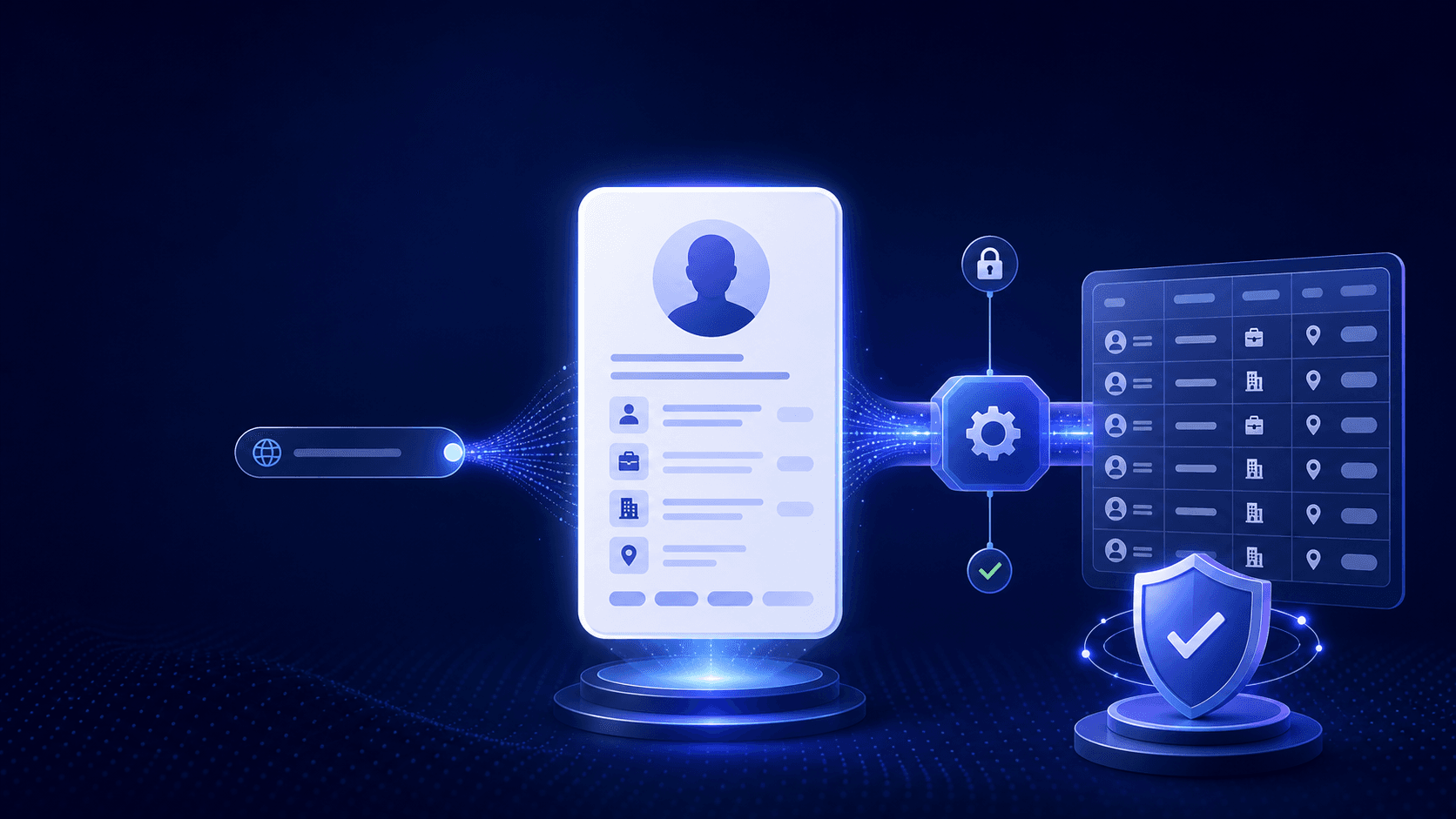
Learn how to extract public profile names, locations, and other professional data from linkedin.com/in URLs using an unofficial LinkedIn profile scraper API for enrichment. This guide focuses on safe, structured extraction for SaaS workflows, not on private data access.
What Is an Unofficial LinkedIn Profile Scraper API?
An unofficial LinkedIn profile scraper API is an interface that takes a LinkedIn profile URL and returns structured public professional data such as name, headline, company, job title, and location. In SaaS enrichment workflows, it turns raw LinkedIn profile URLs into usable records for lead generation, outreach campaigns, recruiting, and account research.
Unlike manual research or browser-based profile scraper tools, an API gives you stable, structured data that is easier to export into Google Sheets, CRM data pipelines, and existing systems. That matters when sales teams need to process multiple profiles, fill missing fields, and enrich contact records at scale.
Understanding LinkedIn Profile URLs and /in/ Slugs
A LinkedIn profile URL usually follows the pattern https://www.linkedin.com/in/exampleuser, where exampleuser is the vanity slug. That slug identifies the profile path, but it is not the same as the person’s display name, contact info, or full professional profile data.
Anatomy of a linkedin.com/in/exampleuser URL
The /in/ segment marks a public profile URL, and the slug after it acts as a public identifier. A solid workflow treats the URL as the starting point, then uses an API to extract data from LinkedIn profile URL inputs into detailed data fields like company name, job title, and location.
How to Find Public LinkedIn Profiles
A common discovery method is to search public LinkedIn profiles through search results or LinkedIn search using company name, job roles, industry, or location. This workflow uses public profile data only and does not attempt to bypass account restrictions, login walls, or private profile access.
From Profile URL to Structured Data
The main task is to collect LinkedIn profile URLs, normalize them, and send them to an API that returns structured data. Normalization usually means removing extra parameters, trimming query strings, and validating that the input is a public profile URL.
Extracting data from a LinkedIn profile URL
This workflow supports lead enrichment, account enrichment, candidate profiles, and sales operations. A reliable API can return all the available data that is publicly visible, including name, headline, location, company, job title, profile photo, and current role.
Extracting the profile name from /in/ URLs
Splitting a URL path gives you the slug, not the real name. The correct rule is to treat the slug as an identifier and then confirm the public display name from profile data, preserving capitalization, locale, and character set.
Extracting location and other fields
Location is one of the most useful fields because it supports territory planning, segmentation, and routing. Use only publicly visible location data, normalize it consistently, and avoid guessing address-level details from limited signals.
Safe Extraction Methods
There are 3 common ways to work with LinkedIn profile data, and each serves a different use case. Manual workflows are simple, browser tools are fast, and APIs are the most scalable for multiple tasks.
Manual and browser-based tools
Manual extraction means copying public profile details into a spreadsheet and cleaning them later. Browser-based profile scraper tools and Chrome extensions can speed up the process, but they depend on the current page structure, login state, and selector stability, which makes them fragile at scale.
Generic scraper APIs
A generic scraper API fetches web pages and returns HTML or parsed content. For LinkedIn, that usually means custom parsing logic, anti-bot handling, rate-limit management, and IP rotation overhead, which increases maintenance and account risk.
Unofficial public professional data APIs
An unofficial public professional data API such as envoAPI is built for enrichment workflows, not one-off page parsing. It focuses on profile data, company information, and job data so teams can connect identity, firmographics, and hiring signals in one pipeline with structured data and reliable export data output.
Rules, Ethics, and Compliance
Official LinkedIn APIs are controlled through developer access and strict scopes, which limits direct access to profile data for most products. Unofficial public professional data APIs are separate tools, and they should be used with clear governance, lawful processing, and respect for LinkedIn’s terms.
Safe automation guidelines
A safe automation setup uses public fields only, limits request rates, keeps audit logs, and supports opt-out or deletion workflows where required. The goal is responsible enrichment, not aggressive scraping or hidden collection from private account data.
Example Workflows
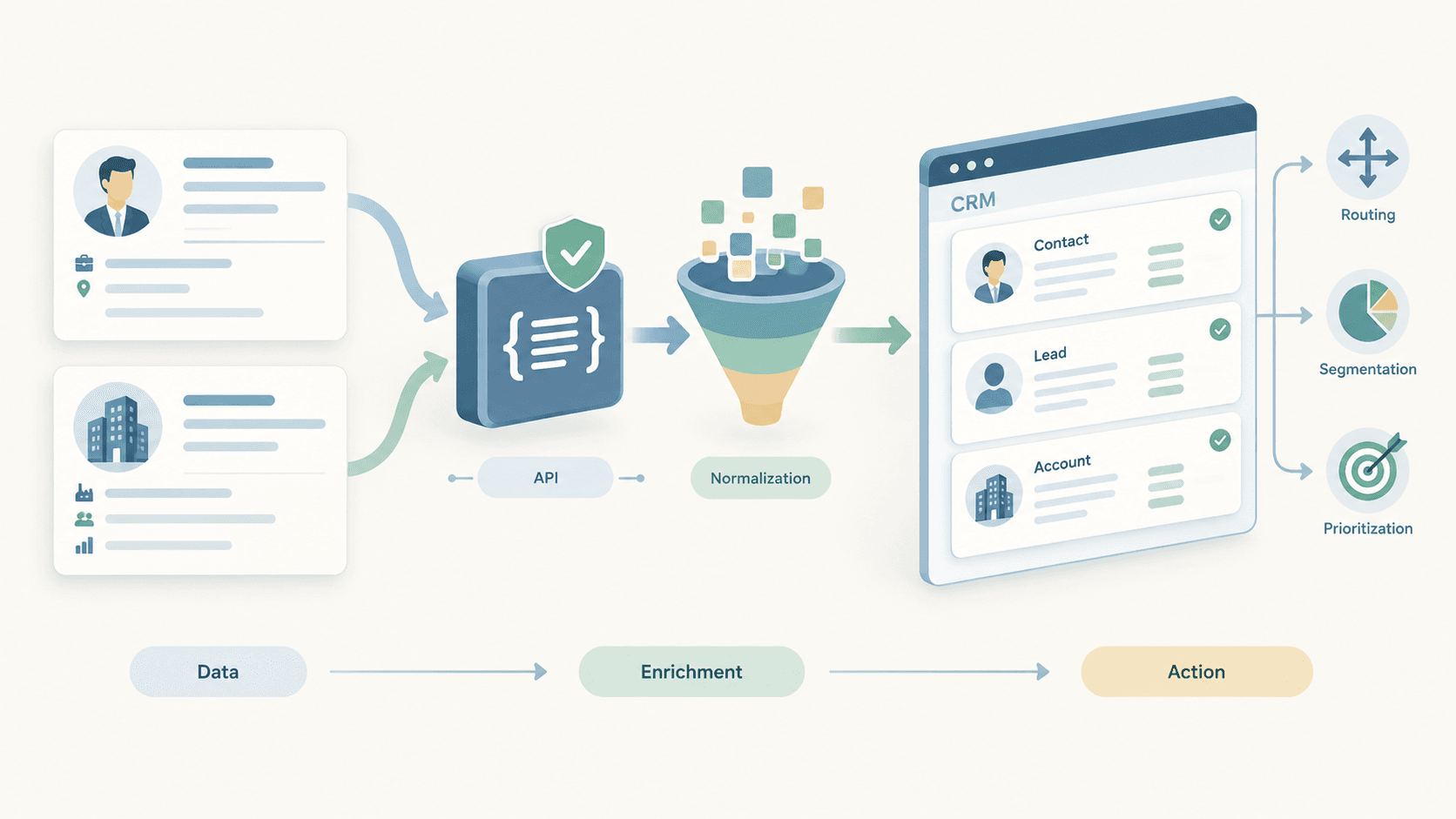
A practical SaaS workflow starts with a list of LinkedIn profile URLs from public search, LinkedIn Sales Navigator, or inbound forms. The API returns names, roles, locations, and company information, then a second enrichment layer adds job signals and missing fields for targeting and prioritization.
Semantic segmentation
Once you combine the profile URL, location, job title, and company attributes, you can build segments like “backend engineers in Berlin at SaaS companies.” That is semantic enrichment: turning raw profile data into meaningful audiences for outbound, recruiting, and market analysis.
FAQ
Can I legally extract LinkedIn profile data from URLs?
Legal use depends on platform terms, regional privacy laws, and your company’s internal policies. A compliant workflow keeps its scope on public profile data, documents its purpose, and applies proper governance to every enrichment step.
What is the difference between a scraper API and an unofficial professional data API?
A scraper API fetches pages and leaves parsing to you, while an unofficial professional data API returns normalized fields ready for enrichment workflows. The second option reduces maintenance, improves consistency, and scales better across profile data, company data, and jobs data.
Do I need coding skills?
Basic use usually requires API access and simple HTTP requests, but low-code automation tools can connect the same workflow into CRM systems, Google Sheets, and existing systems. That makes lead enrichment accessible to both technical and non-technical teams.
Get API Key
If your team needs reliable LinkedIn profile data extraction for SaaS enrichment workflows, the fastest path is to use an API built for public professional data and structured outputs. Start with a small test set of 50 LinkedIn profile URLs, verify field quality, then expand into automated enrichment at scale.