LinkedIn API Without Login: Access Public Data With an API Key
- EnvoAPI team · Developer relations
- Updated
- 7 min read


Using a LinkedIn API without login means your application can request public professional data without a LinkedIn account or member sign-in. With EnvoAPI, you authenticate each backend request using a provider API key. This access covers supported public data and does not unlock private account information.
EnvoAPI is an independent third-party API, not affiliated with or endorsed by LinkedIn. Our public LinkedIn data API returns structured JSON for supported lookups. You do not need LinkedIn cookies, a connected LinkedIn account, or a browser session to make those requests.
Official LinkedIn API access and the login requirement
Member authorization and open permissions
LinkedIn member authorization uses OAuth: a member signs in and grants your application specific permissions. Those permissions define the scope of access: what the application can read or do on that member's behalf.
Some permissions are available through self-service, including Sign in with LinkedIn for the authenticated member. They do not provide unrestricted lookups of arbitrary profiles. LinkedIn's API access documentation explains which products and permissions require approval.
The distinction matters when your application starts with someone else's public profile URL. A member's consent to sign in does not, by itself, authorize arbitrary profile lookups.
Application tokens have restricted uses
Some official APIs support application authorization without an interactive member sign-in. Your application uses its own credentials to obtain an access token for approved, non-member-specific APIs.
LinkedIn restricts this client credentials flow; applications do not receive access by default. It is not an open route to general profile enrichment.
| Access model | LinkedIn sign-in or account requirement | API credential | Kind of access |
|---|---|---|---|
| Official member-authorized APIs | Member sign-in and consent | LinkedIn member access token | Member resources or actions within granted permissions |
| Restricted official application APIs | No interactive member sign-in for supported calls; approved developer application required | LinkedIn application access token | Restricted product operations |
| EnvoAPI public-data lookups | No LinkedIn account or sign-in | EnvoAPI API key | Supported public-data lookups |
| Account/session-based tools | Connected LinkedIn account or session required | Tool-specific credential plus account/session authorization | Capabilities depend on the connected-account tool |
A session-based tool still depends on a LinkedIn account, even if it hides the sign-in steps from your code. For credential details, read our guide to API key setup and credential types.
Public-data lookups with EnvoAPI
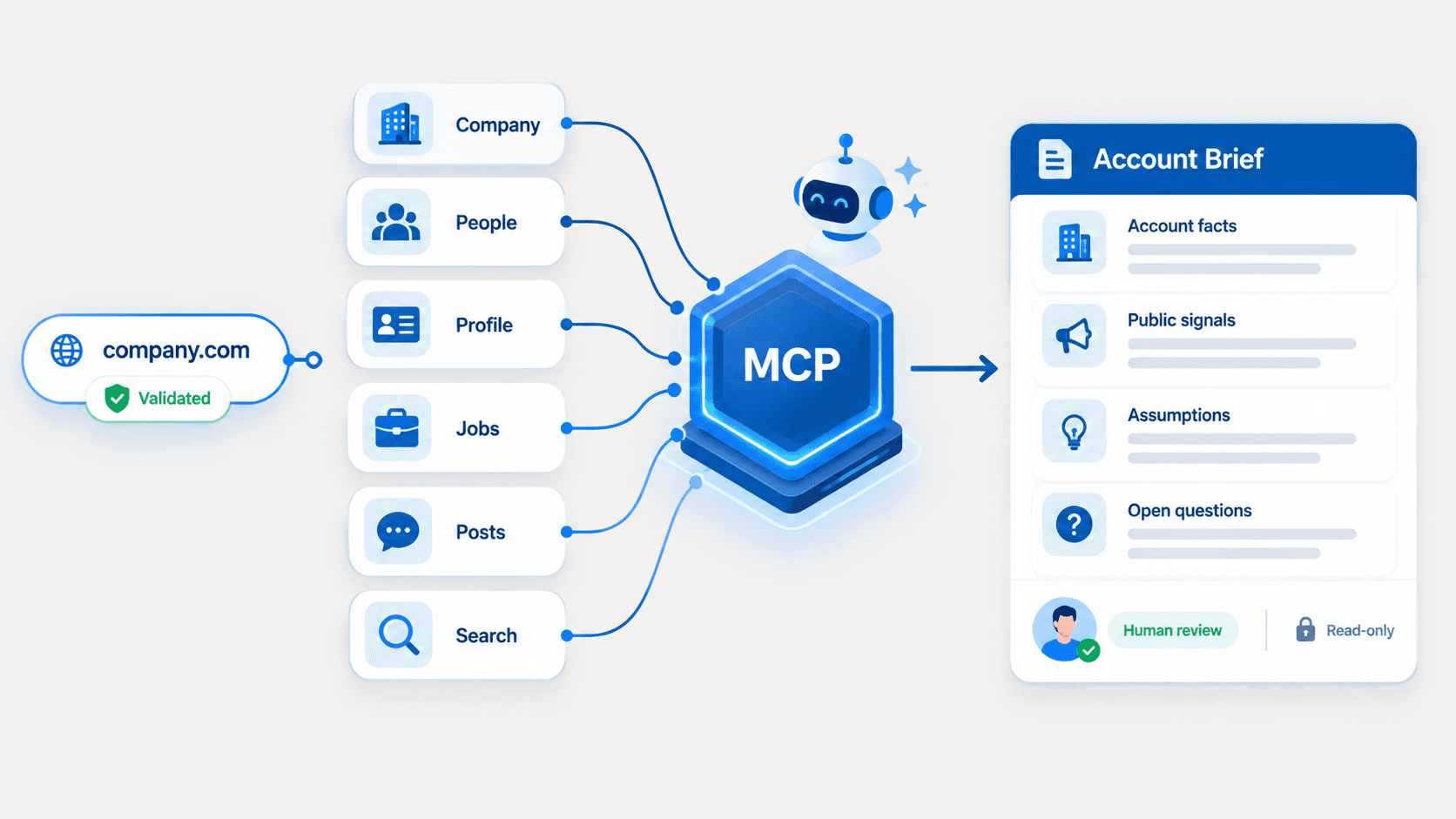
EnvoAPI is our real-time B2B data API for public profile, company, job and post lookups. Your backend sends a supported identifier and receives JSON that it can map into a CRM, recruiting product or research pipeline.
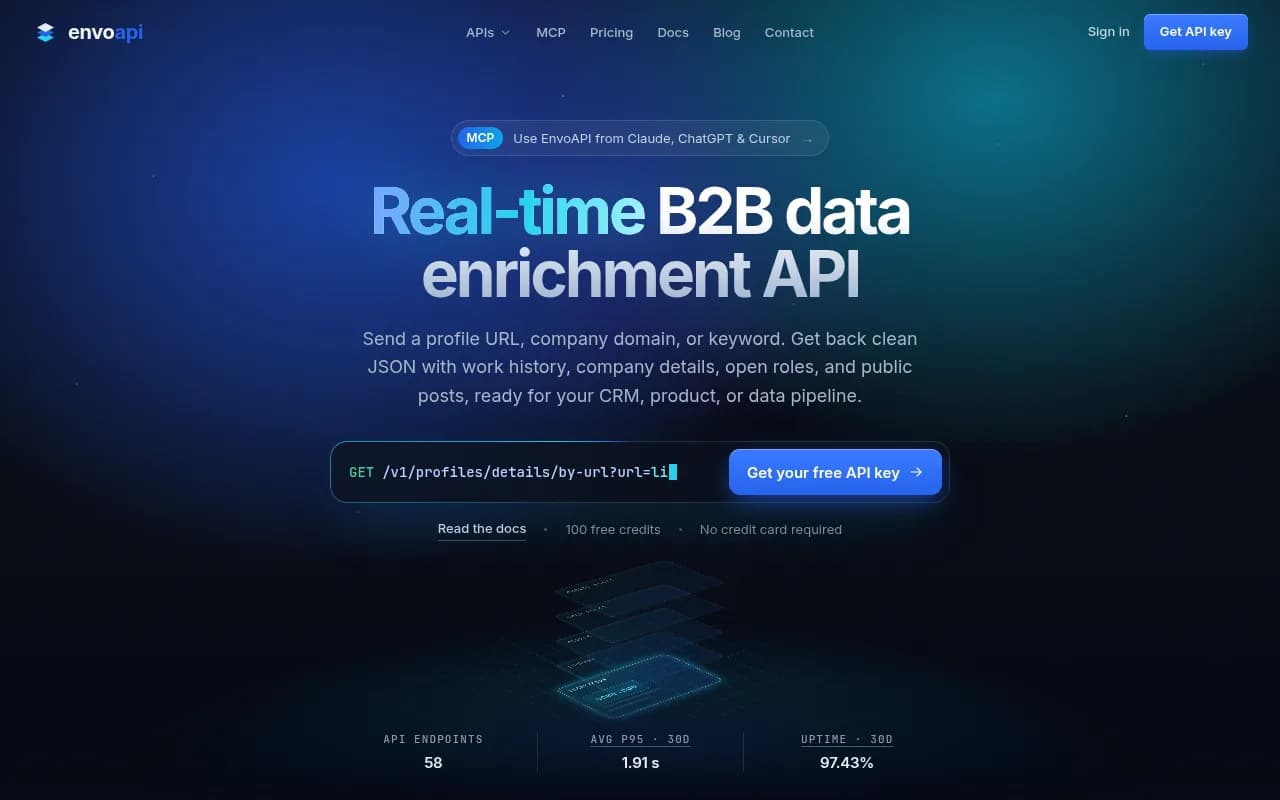
- Submit a supported public identifier, such as a profile URL, to the appropriate endpoint.
- Authenticate the backend request with your EnvoAPI API key.
- Read the returned JSON and map the fields your application needs.
Choose the operation based on the record or search task:
- Profiles: public LinkedIn profile data can include a name, headline, location, work experience and education.
- Companies: supported lookups can return public company data such as identity, industry and headcount.
- Search, jobs and posts: dedicated operations let you search for people or companies by keyword, or retrieve supported job and post data.
Returned fields depend on the endpoint, supplied identifier, and public availability of relevant information. A successful request does not guarantee that every possible field exists for every record.
For a CRM form, for example, your backend can submit a public profile URL and map available work history into the contact record. Keep missing values distinct from confirmed empty fields.
Using a LinkedIn API without login for free
Eligible EnvoAPI accounts can receive 100 one-time free credits after email verification, with no card required. The free plan allows 10 requests per minute across the account. You still need an EnvoAPI account and API key; you do not need a LinkedIn account.
Check the current free credit eligibility and limits before starting. The allowance is a one-time grant, not a monthly refill or unlimited free access.
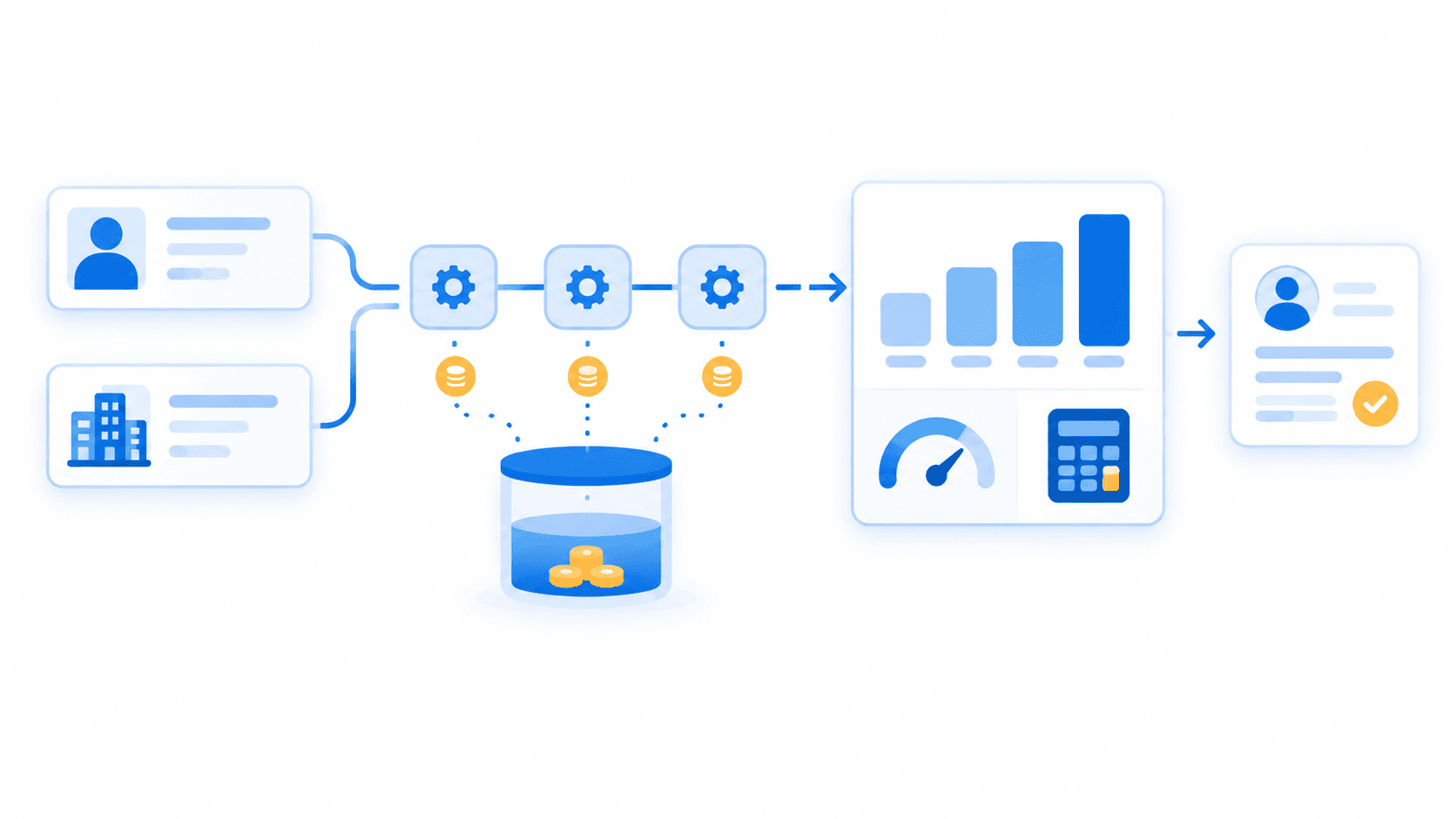
Credits measure usage cost. Requests are individual API calls, while records are the results those calls return. These quantities are not interchangeable.
The current credit configuration assigns one base credit to a profile lookup. Other operations can cost more. A credit allowance does not guarantee a particular number of complete profiles, since field availability varies.
Use the free allowance to check whether the returned fields fit your application. For ongoing calls, plan a lookup budget around your chosen operations and selected plan.
Free official LinkedIn sign-in permissions serve a different purpose: they authorize supported access for the member who signs in. They do not replace a public-profile lookup service.
Make one authenticated profile request with REST
Send the public profile URL from your server
The documented operation is GET https://api.envoapi.com/v1/profiles/details/by-url. It requires a url query parameter containing the public profile URL.
Set ENVOAPI_API_KEY in your server environment using your secret key. Set PROFILE_URL to the public profile you intend to look up, with a URL such as https://www.linkedin.com/in/example-person/.
The example address shows the URL format; replace it with your intended profile. Export both variables before running curl from your server's shell. The profile URL identifies the lookup target; your API key authenticates the request.
curl --get "https://api.envoapi.com/v1/profiles/details/by-url" \ --data-urlencode "url=$PROFILE_URL" \ --header "Authorization: Bearer $ENVOAPI_API_KEY" \ --header "Accept: application/json"--get sends the encoded parameter in the query string. --data-urlencode handles URL encoding, so you can supply the profile URL as a normal string.
Use the browser → application backend → EnvoAPI request path. Your backend adds the bearer header on every request, following the authentication guide. Keep the key out of frontend code and URL parameters, and redact it from logs.
Read the response before using the record
A successful response contains data for the result and meta for information about the call. This illustrative JSON excerpt uses a fictional name and shows only selected fields:
{ "data": { "fullName": "Example Person", "headline": null }, "meta": { "creditCost": 1 }}data.fullName holds the available name; it can also be null. A null data.headline means no headline value is available in that response. meta.creditCost reports the credits used by the call.
Check the HTTP status before reading these success fields. A failed request uses an error object, so your application should handle that response before attempting to save a profile.
Where present, meta.sections distinguishes complete, empty, incomplete and unavailable sections. Its absence does not prove that the record is complete. Check these states before treating missing data as an empty history.
For example, preserve an unknown headline as null in your field mapping. Do not turn it into a statement that the person has no professional headline.
The profile-by-URL operation documentation describes the full response and section behavior. Our profile lookup parameters and fields page covers deeper implementation choices.
Access limits and failed requests
This EnvoAPI workflow retrieves supported public data. It does not expose private inboxes or private connection lists. You cannot use it to send messages, publish posts or make connection requests on a member's behalf.
Validate your input before sending a request. When a call fails, check its HTTP status and machine-readable error code before deciding whether to retry.
| Status and error code | Action |
|---|---|
401 invalid_api_key | Check the active key, server environment variable and bearer header. |
402 insufficient_credits | Check the account balance and resolve the credit shortage before retrying. |
404 resource_not_found | Check the identifier or handle the resource as absent. |
429 rate_limit_exceeded | Wait for Retry-After, then retry within a fixed attempt and time limit. |
Do not retry credential, balance or missing-resource errors unchanged. The error guide explains how to interpret failure responses.
Rate limiting applies across all keys on an account, including retries. Coordinate workers against that allowance. Excess requests receive a 429 response rather than entering a queue. Follow the current headers and rate-limit guidance.
Public visibility alone does not settle permission to collect or reuse data. LinkedIn's User Agreement, section 8.2, restricts automated collection and specified reuse practices. Account for platform terms and applicable obligations when designing your workflow.
Compare unofficial API access models if you need a broader explanation of public-data services and connected-account tools.
Start with a public profile lookup
Use this workflow when your application needs supported public data without connecting a LinkedIn account. Choose the relevant official LinkedIn product when you need authorized member features.
Get your free API key to begin. Eligible accounts receive the one-time credit allowance after email verification. Then read the profile lookup documentation, send your request from the server and check the response before mapping it into your application.